Claude Cowork vs Kuse: File Scope & Context Control
Compare Claude Cowork and Kuse on file scope and context control. Learn how AI access boundaries impact safety, precision, and real-world workflows.
Compare Claude Cowork vs Kuse in 2026: access, file safety, outputs, collaboration, and pricing gates—plus real workflows for reports, spreadsheets, and presentations.
If you’ve ever wished Claude could do more than talk—like actually organize files, generate spreadsheets with formulas, draft reports from messy notes, or build a presentation deck—you’re exactly in the audience for Claude Cowork.
Claude Cowork is Anthropic’s new way to use Claude like a true agent: you set an outcome, Claude makes a plan, and it steadily executes the work for you. But because Cowork runs via the Claude Desktop app on macOS and requires a Max plan subscription, many people are already searching for a Claude AI alternative that’s easier to access, safer around local files, and better suited for sharing or collaboration.
In this guide, we’ll break down:
What Claude Cowork is (based strictly on Claude’s own description)
What Kuse is as an alternative approach
A clear side-by-side comparison across the workflows people actually care about
Real task walkthroughs using Claude Cowork’s flagship use cases—mapped to how you’d do the same work in Kuse
Choose Claude Cowork if you’re on macOS, you have a Claude Max subscription, and you specifically want Claude to read/edit/create files inside a local folder on your computer.
Choose Kuse if you want a web-based Claude Cowork alternative that works across devices (Windows & Mac), doesn’t require a desktop download, keeps your work separate from local file system access, and supports sharing/collaboration and template-based deliverables.
Cowork’s core strength is agentic execution: planning, breaking work into subtasks, coordinating parallel workstreams, and completing long-running tasks.
Kuse’s core strength is deliverable-first workflows: templates + multiple output types (Excel, HTML, Doc, PDF) + multi-model flexibility (Gemini, ChatGPT, Claude), with sharing/collaboration.
Claude Cowork is a research preview released by Anthropic on January 12, 2026. It’s designed to bring the same agentic foundation used in Claude Code to “the rest of your work”—meaning non-coding tasks like document creation, research synthesis, file organization, spreadsheets, and presentations.
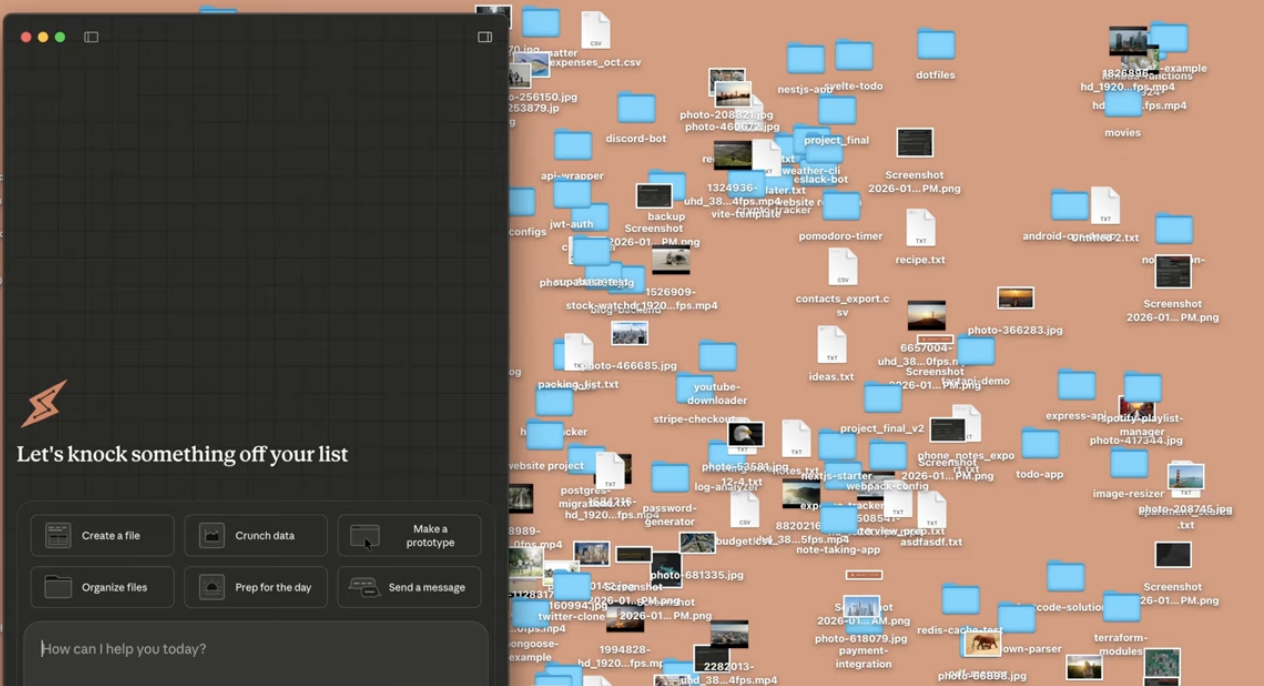
In Cowork, you give Claude access to a folder of your choosing on your computer. Claude can then:
And because Cowork is agentic, Claude doesn’t just answer one prompt at a time. Instead, once you set a task, Claude:
Cowork is currently available as a research preview for Claude Max subscribers on the Claude Desktop app for macOS. Users on other plans can join a waitlist for future access.
Cowork runs directly on your computer and executes work in a virtual machine (VM) environment. The VM provides isolation from your main operating system, but Claude can still make real changes to the local files you grant access to.
When you start a task, Cowork generally follows this flow:
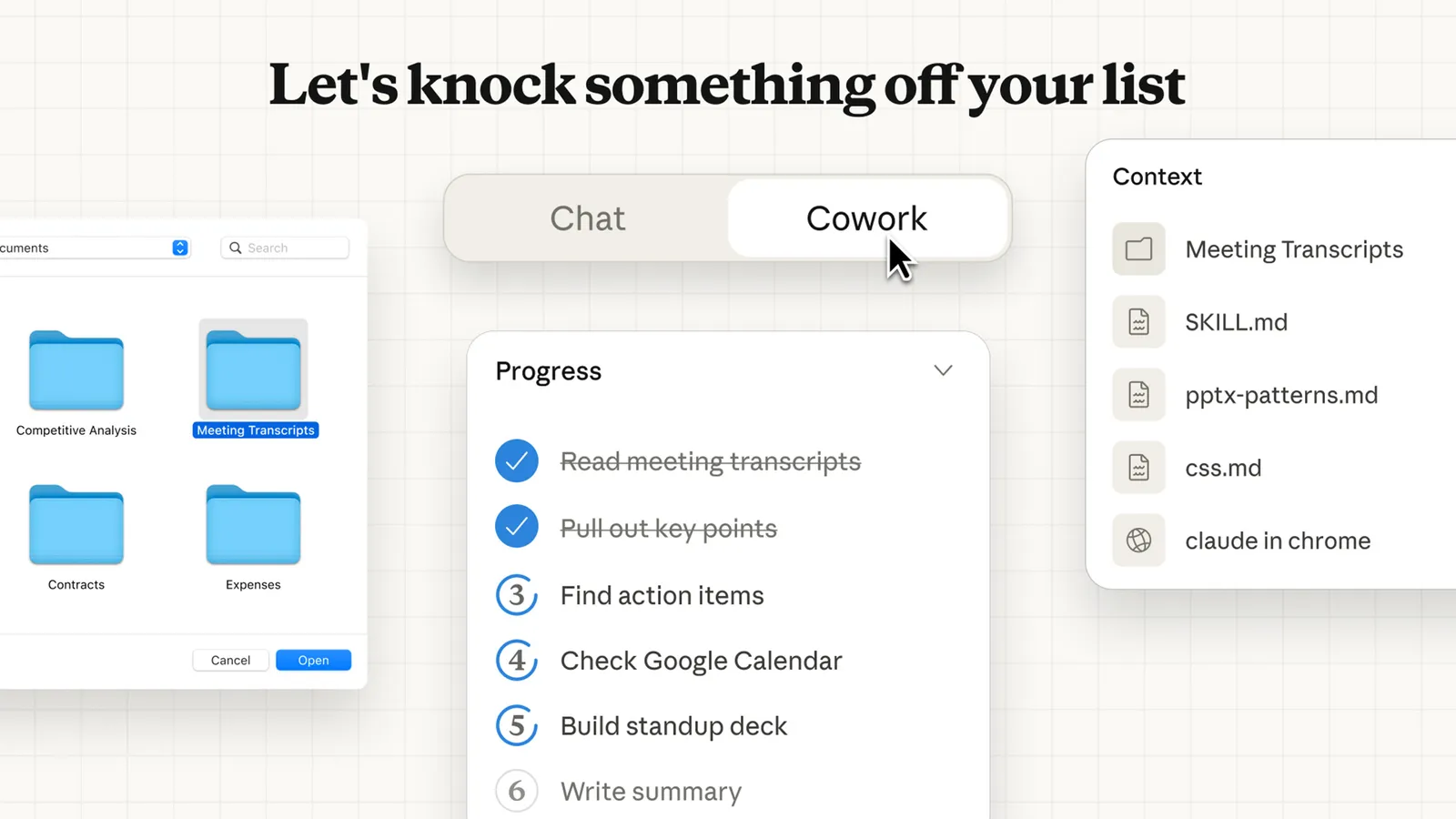
Throughout the process, Cowork provides visibility into what Claude is planning and doing, and you can step in to steer or course-correct.
Cowork is powerful, but it’s also clearly labeled as a feature preview—meaning some things are not yet available:
These limitations are a big reason people search for claude alternatives in this category—especially if they work across devices or need to share deliverables with a team.
Kuse is a web-based workflow for turning your files and materials into structured outputs—without requiring a macOS desktop app or local folder access.
As a practical Claude AI alternative in this “get real work done” category, Kuse’s positioning compared to Cowork centers on:
Claude Cowork is tightly coupled to the Claude Desktop app on macOS. Accessing Cowork requires installing the desktop application, maintaining an active internet connection, and keeping the app open while tasks are running. This setup is intentional: Cowork is designed to operate close to the local file system and to run longer, agent-driven workflows without interruption.
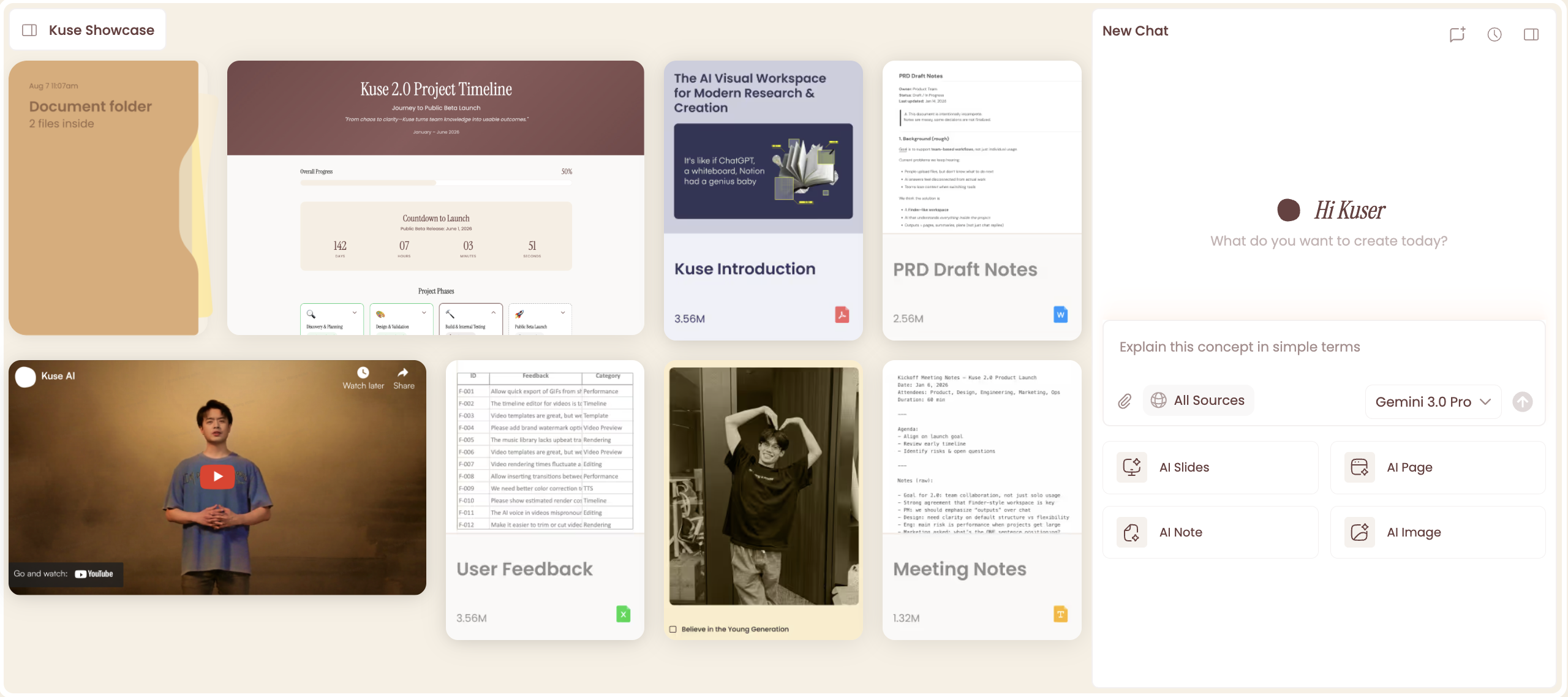
Kuse, by contrast, is entirely web-based. There’s no installation step and no dependency on a specific operating system. You can access the same workspace from different devices, which makes it easier to switch contexts or collaborate with others who may not be using the same hardware.
This difference often determines adoption early: Cowork fits best into a single-user, macOS-centric setup, while Kuse aligns more naturally with cross-device or team-based workflows.
One of the most fundamental differences lies in how each tool handles files.
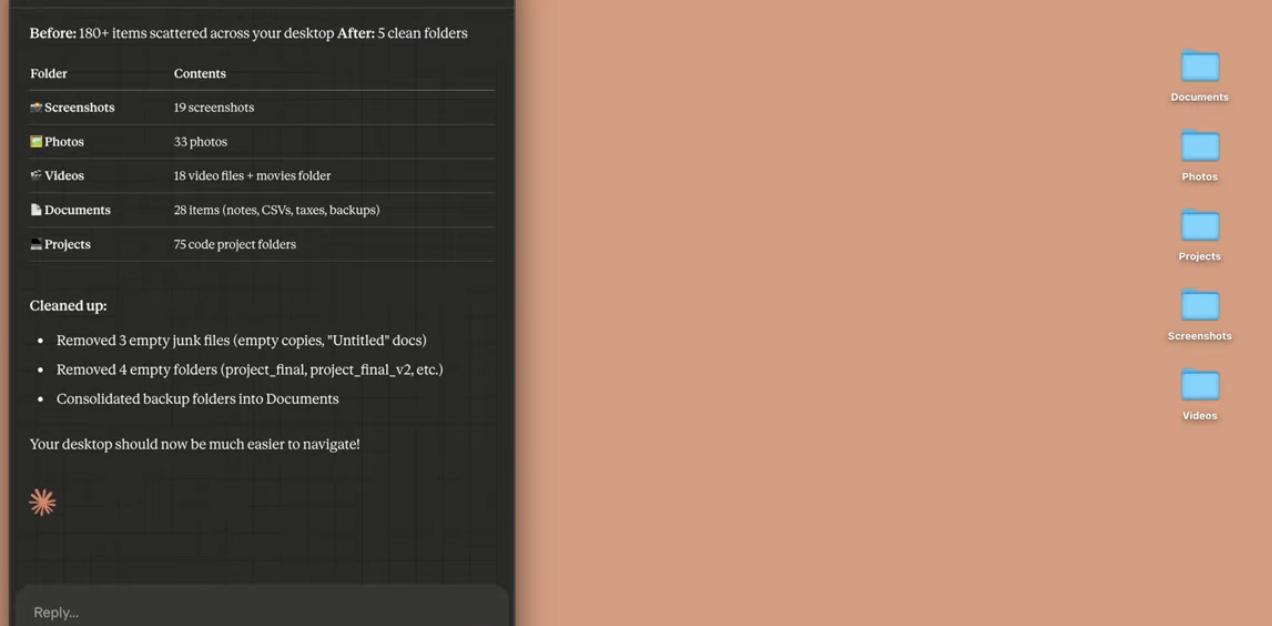
With Claude Cowork, you explicitly grant access to a local folder on your computer. Claude can read, edit, create, and—if instructed—delete files in that folder. This enables powerful workflows, but it also requires a higher degree of trust and careful instruction, since actions affect your actual file system.
Kuse operates in a web environment that is separate from your local folders. Files are uploaded or referenced intentionally, and outputs are generated within that workspace. This separation reduces the risk of unintended local file changes and makes the workflow feel safer for users who are less comfortable granting broad file access to an AI agent.
Claude Cowork is built around agentic execution. Once you define a task, Claude plans how to complete it, breaks it into subtasks, and executes those steps—sometimes in parallel—until the job is done. This makes Cowork particularly strong for complex, multi-step processes that benefit from sustained execution over time.
Kuse, on the other hand, is organized around deliverables rather than long-running task execution. You start by choosing what you want to produce—such as a spreadsheet or report—and Kuse structures the generation process around that output. The emphasis is on clarity, formatting, and readiness for sharing, rather than on autonomous task execution inside a folder.
Claude Cowork’s official examples highlight its ability to generate professional outputs, including Excel spreadsheets with working formulas, formatted documents, and presentation decks. These files are created directly inside your local file system as part of the task execution.
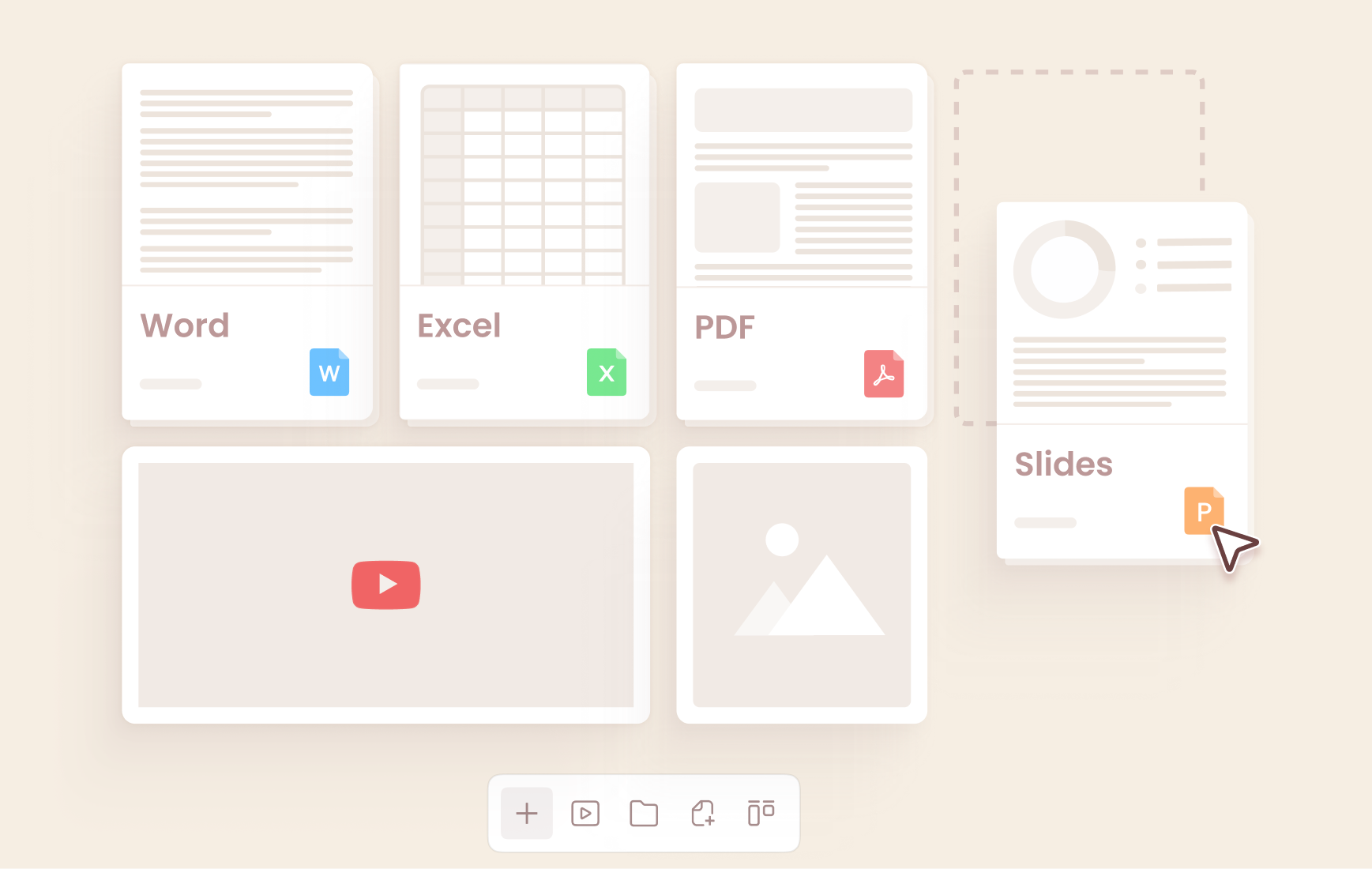
Kuse supports a broader range of explicitly defined output formats—Excel, HTML, Doc, and PDF—and pairs those formats with templates. This makes it easier to generate outputs that are already structured for a specific purpose, rather than refining raw outputs after the fact.
At present, Claude Cowork sessions are not shareable. Work happens within a single desktop session, with no built-in way to hand off tasks, share artifacts, or collaborate in real time.
Kuse is designed with sharing in mind. Workspaces and outputs can be shared with others, making it easier to collaborate on documents, review generated results, or align on deliverables across a team.
For teams, this difference often outweighs execution style when choosing a Claude alternative.
Claude Cowork runs exclusively on Claude models, which is ideal if you’re already committed to that ecosystem.
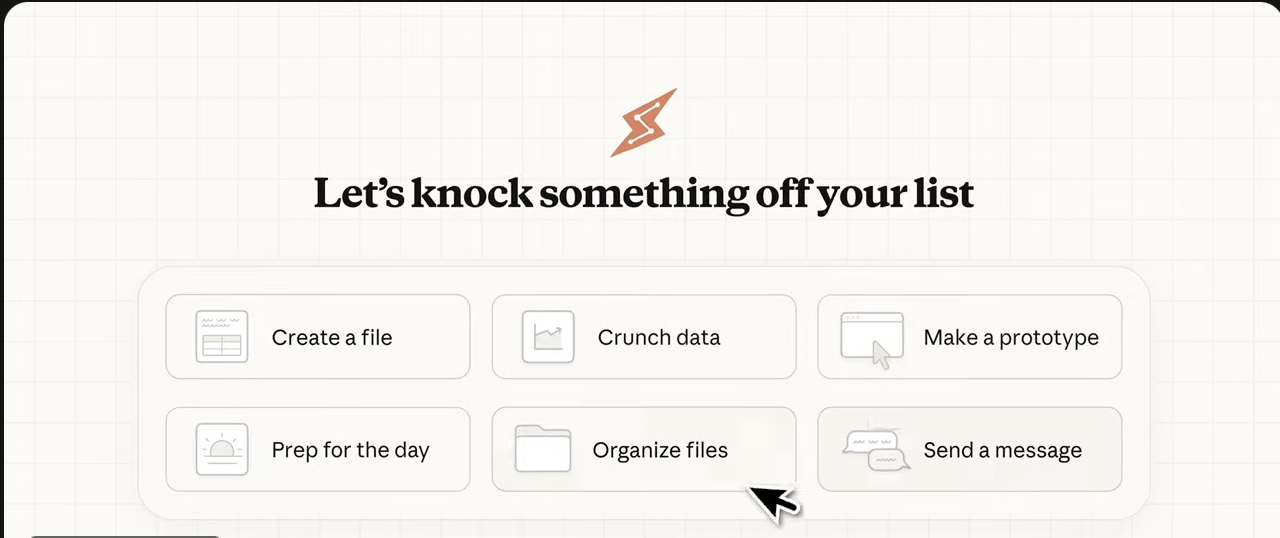
Kuse supports multiple models—including Claude, GPT, and Gemini—allowing users to choose different models depending on the task, writing style, or output requirements.
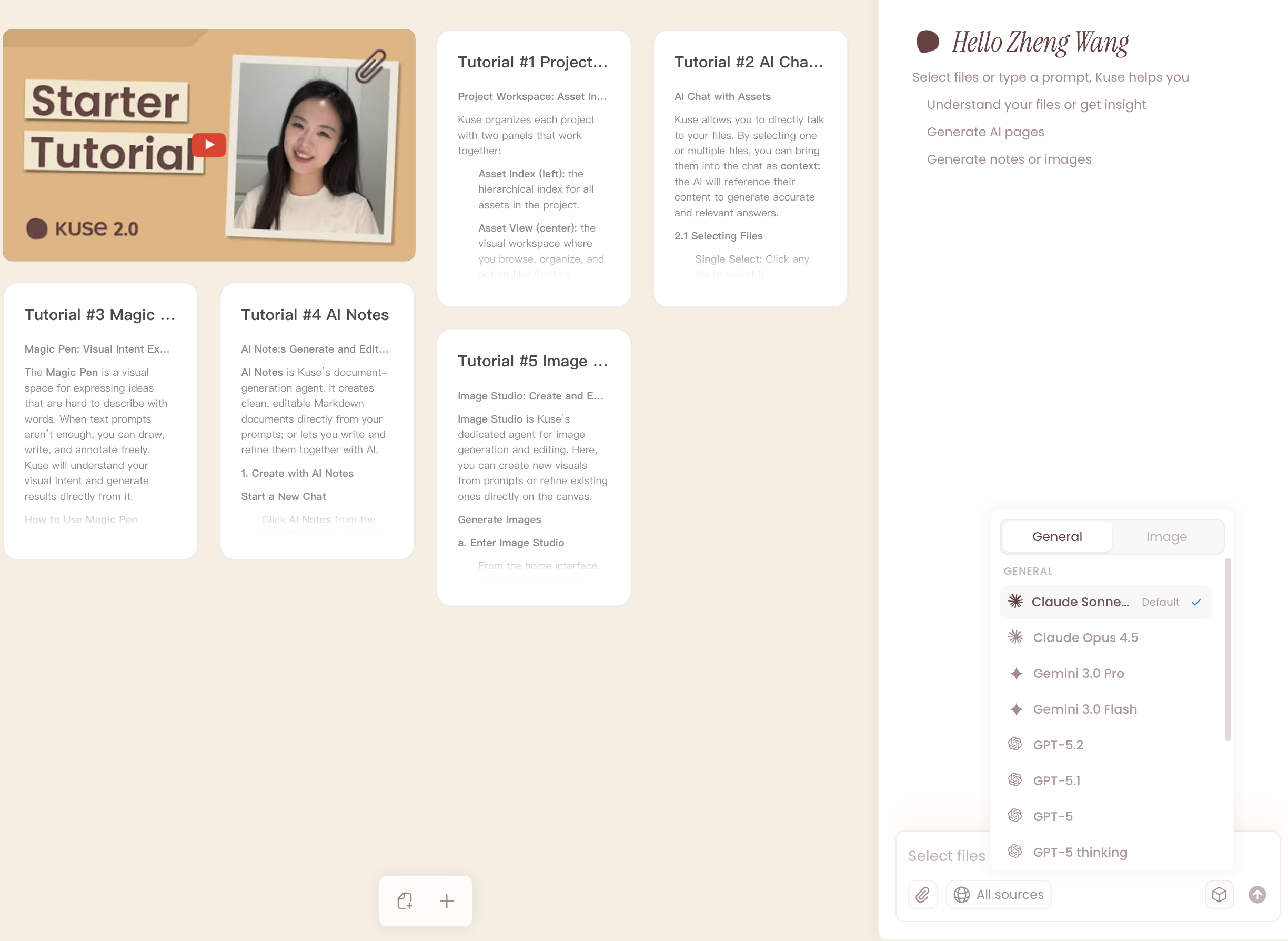
To keep this comparison concrete, here are the exact types of tasks Claude lists as Cowork examples—paired with how you’d approach them in Kuse (without adding unconfirmed product details).
Claude explicitly describes Cowork producing a first draft of a report from scattered notes inside a folder:
Grant folder access
Provide the report goal / outcome
Cowork plans the steps and produces the draft as a file in your system
Kuse approaches this as an output-generation workflow:
Upload or reference your notes
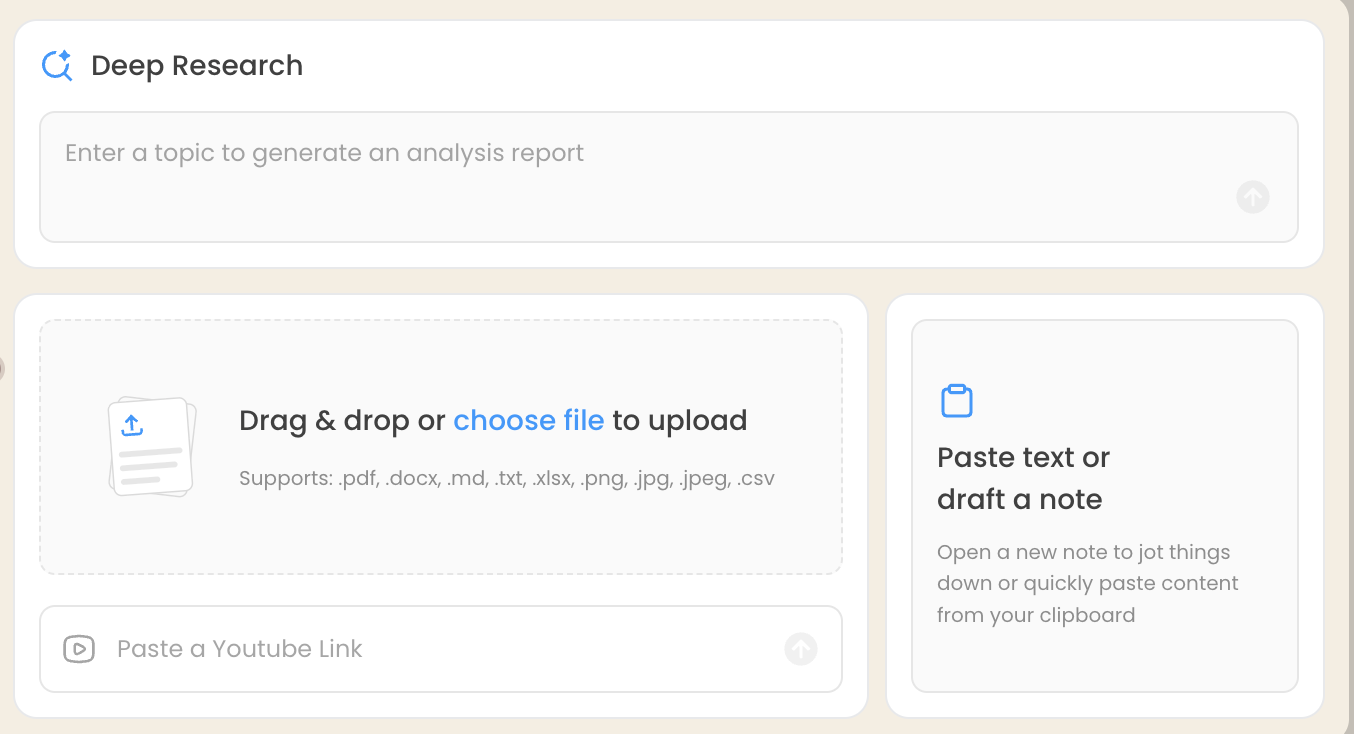
Choose a report/document template and output type (Doc/PDF)
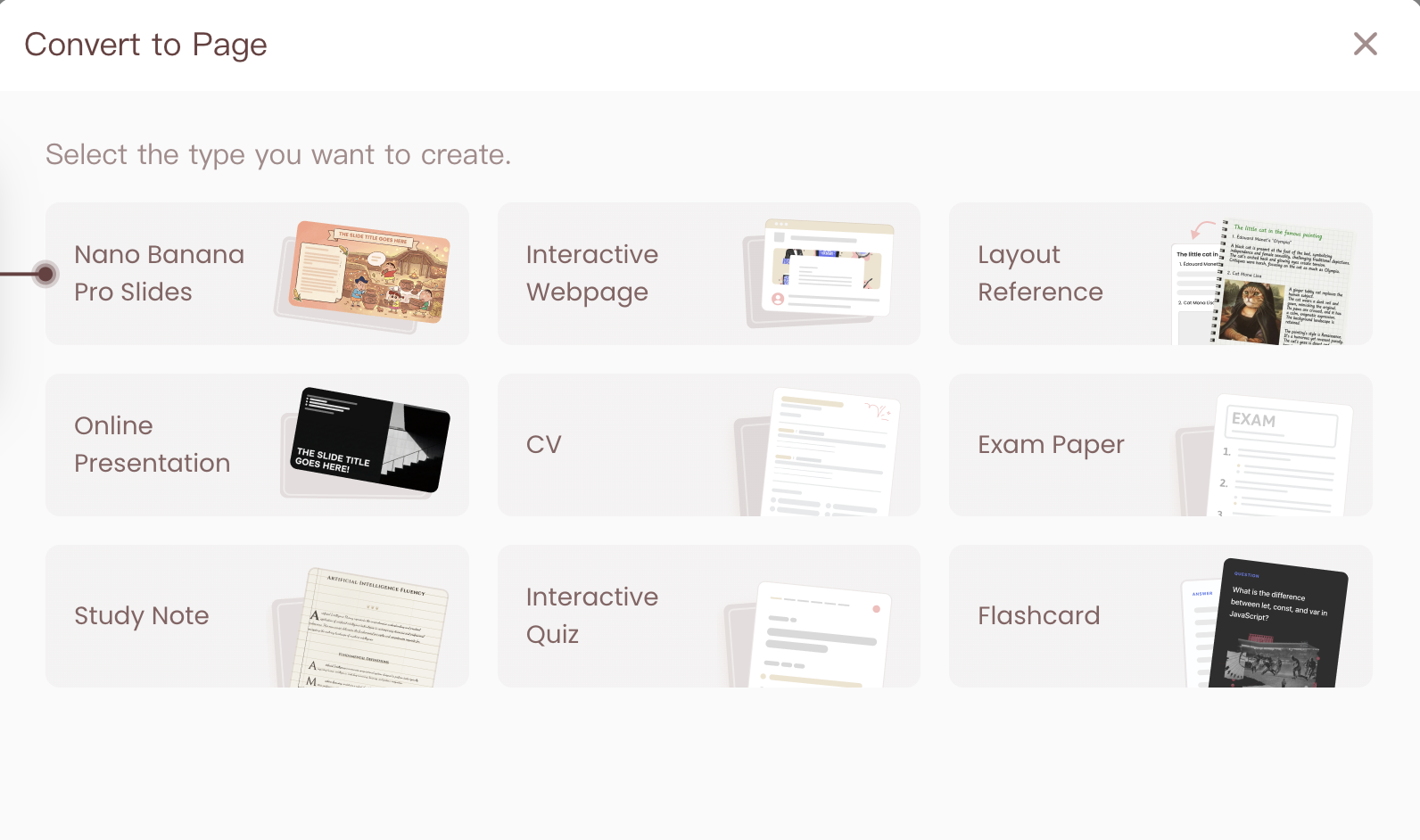
Generate a formatted draft
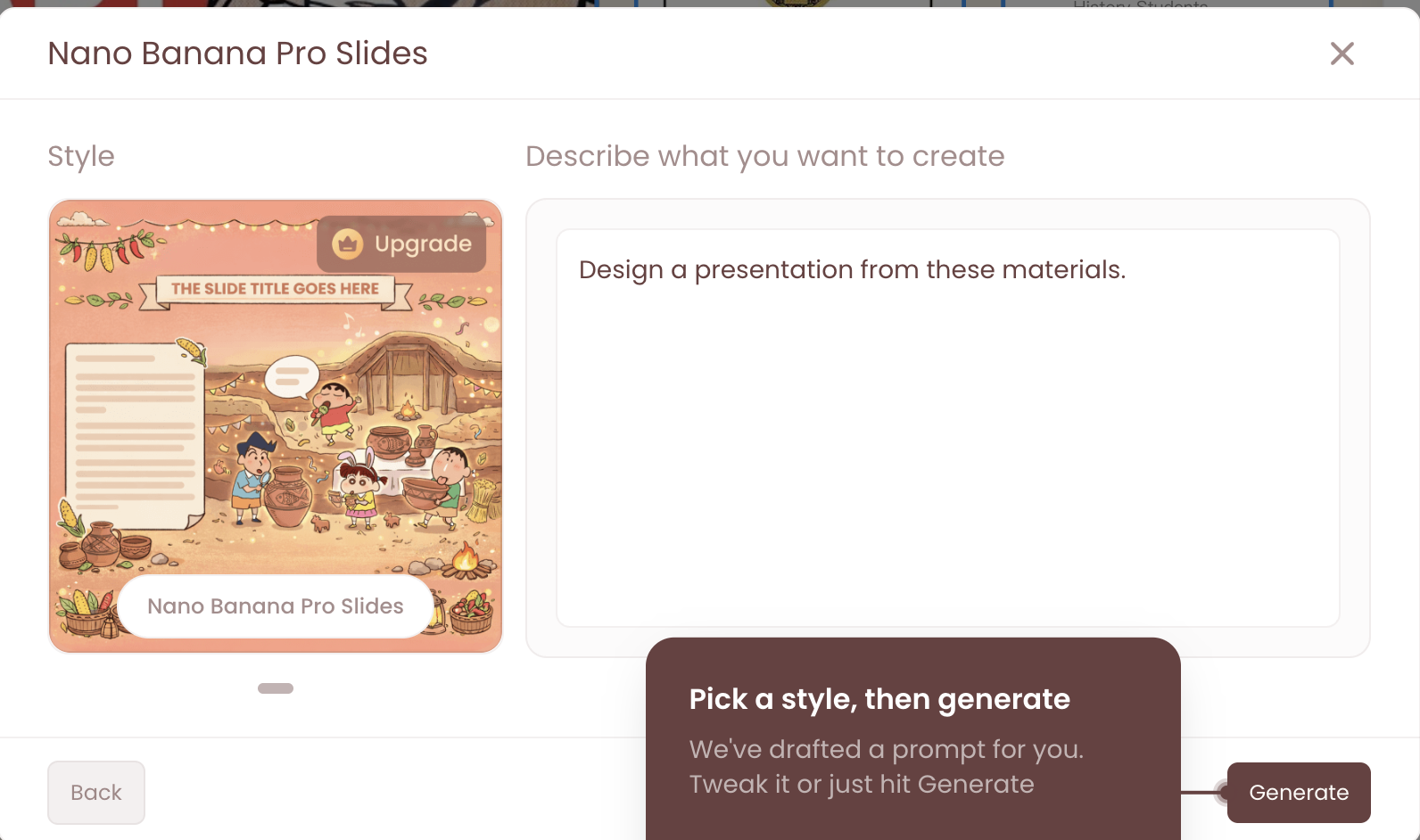
Share or iterate on the deliverable collaboratively
Cowork is designed to create slide decks from rough notes or meeting transcripts. It can run longer tasks and coordinate subtasks when appropriate.
In Kuse, the equivalent path is:
Upload or reference the transcript/notes
Choose a presentation deliverable template
Generate a structured output

Export/share the deck
Where Cowork emphasizes agentic execution, Kuse emphasizes “template + deliverable output + shareability.”
Cowork’s example use cases include:
Statistical analysis (outliers, cross-tabulation, time-series)
Data visualization
Data transformation (cleaning and processing datasets)
Kuse supports structured outputs across formats (including Excel) and is positioned to support data-driven deliverables as well—while keeping the workflow web-based and sharable.
Choose Claude Cowork if:
You want an AI agent to execute complex tasks on your local files
You’re on macOS and comfortable with desktop-only workflows
You value agentic planning and long-running execution
Choose Kuse if:
You want a web-based Claude Cowork alternative
You need structured deliverables and templates
Collaboration and sharing matter
You prefer separating AI workflows from your local file system
Claude Cowork is a meaningful step toward agentic AI for real work: folder access, long-running execution, VM-based task runs, and parallelized subtasks—delivered inside Claude Desktop for macOS.
But if your workflow prioritizes web access, cross-device flexibility, safer separation from local files, sharing/collaboration, templates, and multiple output formats, Kuse is a strong Claude Cowork alternative in 2026—especially for teams and deliverable-driven work.
Compare Claude Cowork and Kuse on file scope and context control. Learn how AI access boundaries impact safety, precision, and real-world workflows.
Compare Claude Cowork, Kuse, and NotebookLM for real workflows in 2026. See which AI fits execution, collaboration, or research—before you choose.

Explore the top 10 Claude Cowork alternatives in 2026. Compare access, collaboration, file safety, outputs, and pricing to find the best Claude AI alternative for real work.
Compare Claude Cowork vs Kuse in 2026: access, file safety, outputs, collaboration, and pricing gates—plus real workflows for reports, spreadsheets, and presentations.